
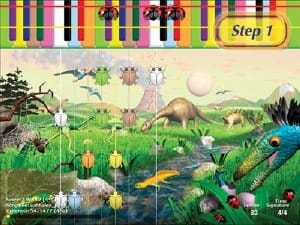
Interactive piano lessons can make learning feel very different from simply watching a teacher demonstrate a song on video. Instead of sitting back and observing, the student becomes part of the lesson by playing, responding, repeating, and getting immediate feedback.
That active approach can be especially helpful for beginners and children who learn best by doing. With the right setup, a real piano or MIDI keyboard becomes part of the learning experience instead of sitting beside the screen while the lesson happens somewhere else.
In this guide, we'll look at how interactive piano lessons work, why they can be effective, what makes them different from traditional online lessons, and how Piano Wizard uses visual, game-based learning to help beginners start playing quickly.
What Are Interactive Piano Lessons?
Interactive piano lessons are lessons in which the student actively responds to the learning system while playing.
That can include:
- Playing notes on a real keyboard
- Following visual cues
- Repeating short musical patterns
- Receiving feedback from compatible software
- Progressing through activities at an individual pace
- Connecting what appears on the screen with what happens on the keyboard
The key difference is participation.
A video lesson can show you what to do. An interactive lesson can make your playing part of the lesson itself.
Interactive Piano Lessons vs. Video Lessons
Traditional online piano lessons often work like this:
- You watch an instructor demonstrate something.
- You pause the video.
- You try it yourself.
- You decide whether you played it correctly.
That can work well for some students, but it is still mostly a one-way learning experience.
With interactive piano lessons, the process can look more like this:
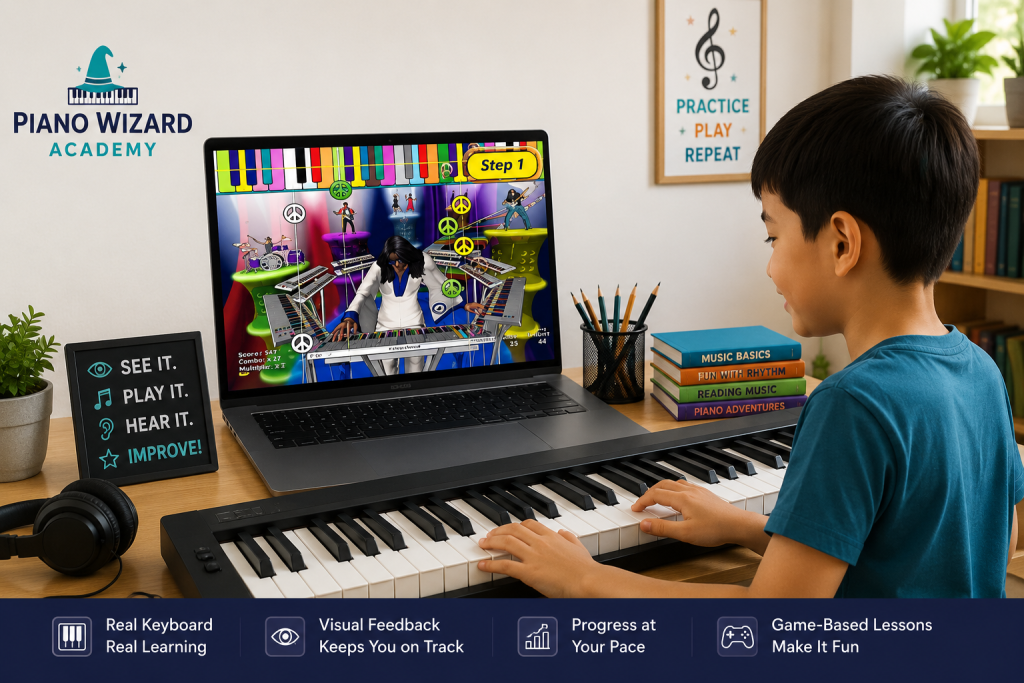
See it → play it → hear it → get feedback → try again.
That immediate loop can make practice feel more active and less like homework.
If you want to understand how a connected keyboard can make that possible, see our guide on how to learn piano online with MIDI keyboard.
Why Active Learning Matters
Beginners often learn faster when they can connect an idea directly to an action.
At the piano, that means linking:
- A visual cue
- A physical key
- A sound
- A rhythm
- A finger movement
Instead of trying to understand several abstract ideas before playing, an interactive system can let the student begin with something concrete.
- Press this key.
- Hear this sound.
- Follow this pattern.
- Repeat it.
Then build from there.
Interactive Piano Lessons Can Reduce Beginner Overload
Traditional piano instruction can ask a beginner to process many things at once:
- Note names
- Staff notation
- Finger numbers
- Rhythm
- Hand position
- Keyboard geography
- Dynamics
For some students, that is manageable.
For others, it can feel like trying to learn a new language while typing it with both hands.
Interactive piano learning can simplify the early stages by introducing skills in smaller pieces.
Visual Feedback Can Make Piano Easier to Understand
Visual learning can be especially useful in the first stages of piano study.
Instead of immediately expecting a student to translate standard notation into keyboard movement, an interactive system can first establish a simpler connection between what the student sees and what they play.
Visual cues may include:
- Colors
- Shapes
- Moving notes
- Keyboard graphics
- Rhythm prompts
- On-screen targets
The goal is not to avoid music reading forever.
The goal is to create a bridge into it.
Why Using a Real Keyboard Matters
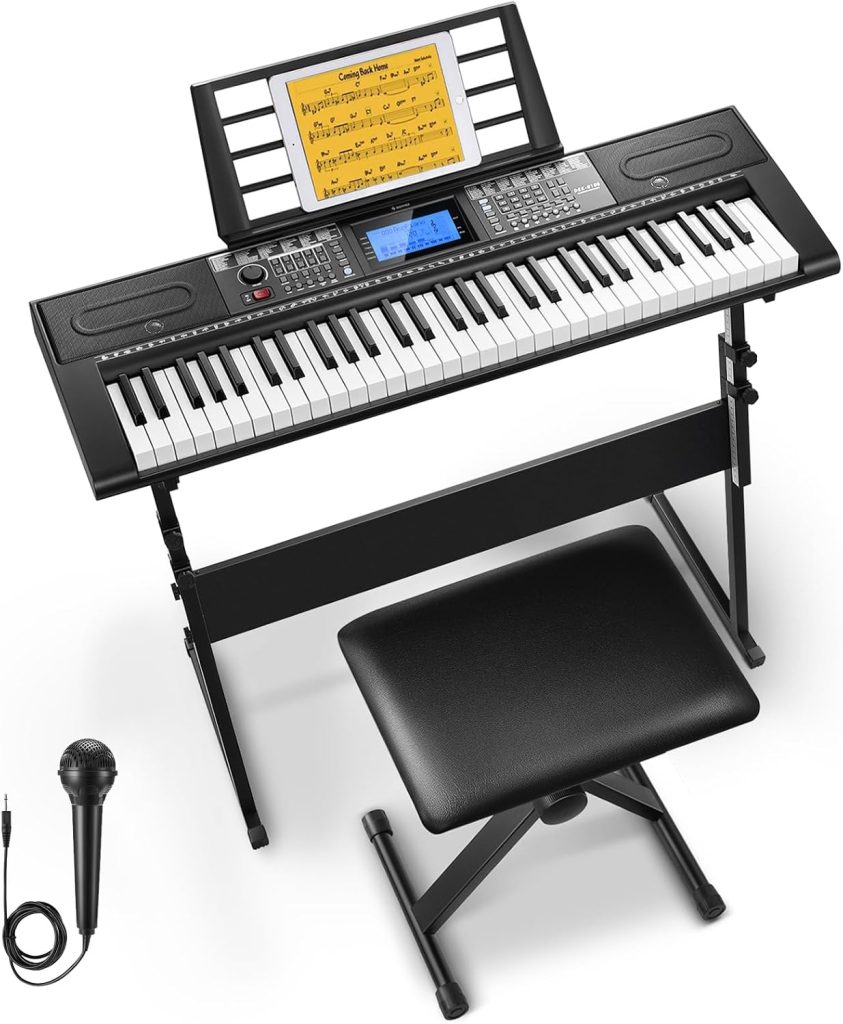
Many music apps allow users to tap notes directly on a phone or tablet.
That can be entertaining, but a touchscreen does not provide the same experience as a physical keyboard.
When students take interactive piano lessons on a real keyboard, they begin learning:
- The spacing between notes
- The repeating pattern of black and white keys
- Finger movement
- Hand position
- Playing multiple notes
- Moving across the keyboard
That is one reason Piano Wizard is designed around actual keyboard play rather than treating the piano as something separate from the software.
Can Interactive Piano Lessons Work for Kids?
Yes, and this is one of the strongest uses for interactive learning.
Children are already familiar with visual games, levels, feedback, and challenges. An interactive piano system can use some of those same ideas to make the first stages of piano learning more approachable.
The important question is whether the game leads toward real musical skills.
A useful system should help children develop connections between:
- What they see
- What they hear
- What they play
- Rhythm
- Keyboard location
- Music notation
For another example of game-based learning on a real keyboard, see our piano keyboard game.
Can Adults Use Interactive Piano Lessons?
Absolutely.
Adults often appreciate being able to learn privately, repeat difficult sections, and move at their own pace.
Interactive learning can be especially useful for adults who:
- Have never played piano before
- Do not want to commit to weekly private lessons yet
- Prefer learning by doing
- Want flexible practice times
- Would rather repeat a lesson without feeling rushed
The interface may be game-like, but the learning process still happens on a real instrument.
What Equipment Do You Need?
The exact setup depends on the program, but a typical interactive piano learning setup may include:
- A digital piano or MIDI keyboard
- A computer or compatible device
- A USB or MIDI connection
- Interactive piano learning software
- Headphones if needed
You do not need expensive studio equipment to begin.
Many families already own a keyboard that may be compatible.
If you are shopping for a keyboard, Yamaha offers a useful overview of digital keyboard features, size, touch response, and connectivity in its digital keyboard buying guide.
How Piano Learning Software Makes Lessons Interactive
Compatible software can turn the keyboard into an input device for the lesson.
That means the program can use information from the keyboard while the student plays.
This can make learning feel more responsive because the student is not simply watching instructions.
The keyboard is participating in the lesson.
For a deeper look at this type of system, see our guide to piano learning software for kids.
How Piano Wizard Approaches Interactive Piano Lessons
Piano Wizard was built around the idea that beginners should start making music early.
Instead of requiring students to understand conventional notation before they can begin playing songs, the system first uses visual cues to connect the screen with a real keyboard.
Students play notes as they appear in the interactive environment.
This creates a direct connection between:
- Seeing
- Hearing
- Playing
- Timing
As students progress, the visual system is designed to move them toward standard music notation.
The interactive part is not the destination.
It is the starting point.
From Game-Based Learning to Reading Music
A common concern with piano games is whether students are actually learning music.
That concern is reasonable.
A game can make practice enjoyable, but enjoyment alone does not guarantee musical progress.
The learning system should gradually connect gameplay to skills that exist outside the game.
Those skills include:
- Note recognition
- Rhythm
- Keyboard awareness
- Finger coordination
- Reading music
- Playing songs independently
Piano Wizard uses the game environment as a bridge toward those broader skills.
Interactive Lessons Can Make Repetition Easier
Repetition is part of learning any instrument.
The problem is that repetition can become boring quickly.
Interactive learning can make repeated practice feel more purposeful because the student is working toward a visible goal.
Instead of simply being told to play something ten times, a student may be trying to improve accuracy, complete an activity, or progress to the next stage.
The musical repetition is still happening.
It just feels different.
Self-Paced Learning Can Reduce Pressure
Not every student learns at the same speed.
One child may understand a pattern immediately.
Another may want to repeat it twenty times.
An interactive system allows the student to repeat an activity without holding up a class or feeling embarrassed about asking a teacher to demonstrate it again.
That can make practice especially useful for:
- Beginners
- Young children
- Independent learners
- Students who prefer repetition
- Families learning at home
Interactive Piano Lessons vs. Traditional Private Lessons
Interactive lessons do not have to replace a teacher.
They can serve different purposes.
| Interactive Piano Lessons | Private Piano Lessons |
|---|---|
| Available on demand | Usually scheduled weekly |
| Easy to repeat activities | Teacher provides personal feedback |
| Self-paced | Teacher adjusts instruction directly |
| Visual and game-based options | Human demonstration and correction |
| Works well for home practice | Useful for technique and advanced interpretation |
Some families use interactive learning as the starting point and add a teacher later.
Others use both together.
Interactive Piano Lessons vs. Piano Apps
The phrase "piano app" can describe many different things.
Some apps are essentially videos.
Some use a touchscreen keyboard.
Some listen through a microphone.
Others connect directly to a digital piano or MIDI keyboard.
When comparing options, ask:
- Does the program work with a real keyboard?
- Does it respond to what the student plays?
- Does it teach rhythm?
- Does it eventually introduce music notation?
- Can lessons be repeated easily?
- Is the program appropriate for the student's age?
- Does the student enjoy using it enough to keep practicing?
How Long Should Interactive Piano Practice Be?
Beginners do not need marathon practice sessions.
Short, focused sessions can work extremely well, especially for young children.
A beginner might start with:
- 10 minutes
- 15 minutes
- 20 minutes
The exact amount matters less than consistency.
A short session most days is usually more useful than one very long session once a week.
What Should Beginners Look for in an Interactive Piano Program?
Before choosing a program, look beyond flashy graphics.
A good interactive piano learning system should provide a clear learning path.
Look for:
- Real keyboard interaction
- Clear visual instructions
- Gradual progression
- Rhythm practice
- Repeated opportunities to play
- A path toward reading music
- Lessons appropriate for beginners
Most importantly, the student should spend a meaningful amount of time actually playing.
Frequently Asked Questions
Are interactive piano lessons good for beginners?
They can be an excellent option for beginners because they encourage active participation and allow students to repeat material at their own pace.
Do interactive piano lessons require a MIDI keyboard?
Not every program does, but a MIDI-connected keyboard allows compatible software to respond directly to what the student plays.
Can children learn to read music with interactive lessons?
Yes, if the learning system is designed to move beyond visual game cues and gradually connect them with conventional music notation.
Are interactive piano lessons better than a teacher?
They are different tools. Interactive lessons can offer flexibility, repetition, and game-based practice, while a teacher can provide individualized technique and interpretation.
Can I use interactive piano lessons at home?
Yes. Home learning is one of their biggest advantages because lessons can be used whenever it fits the family's schedule.
Start Learning With Interactive Piano Lessons
The biggest advantage of interactive piano lessons is that they get the student involved immediately.
You are not just watching someone else play.
You are playing.
Piano Wizard combines visual learning, game-based interaction, and a real piano or MIDI keyboard to help beginners start making music and gradually move toward traditional music reading.
Explore Piano Wizard Academy and see how interactive learning can turn piano practice into active play.