
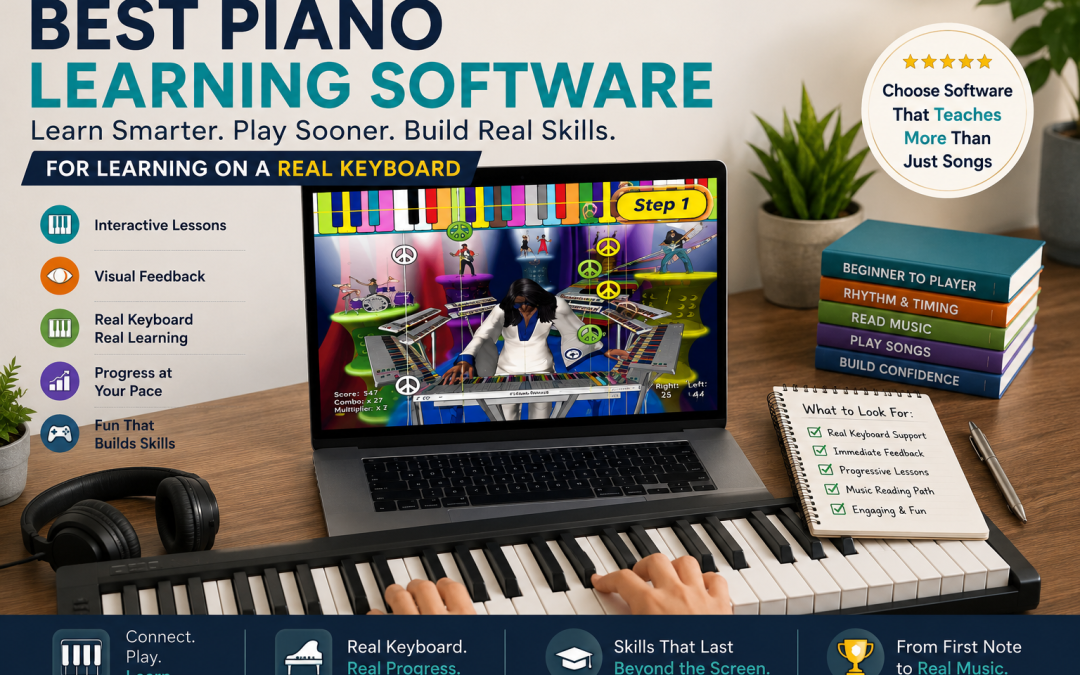
Best Piano Learning Software: What to Look For Before You Choose
If you are searching for the best piano learning software, the number of choices can make the decision harder than learning your first song.
Some programs are built around video lessons. Others listen through a microphone. Some use a touchscreen, while others connect directly to a real piano or MIDI keyboard. A few focus heavily on games, and others follow a more traditional lesson structure.
The best choice depends on how you or your child learns, what equipment you already own, and whether your goal is simply to play a few songs or develop skills that can eventually transfer beyond the software.
This guide explains what to look for in piano learning software, which features actually matter, and why using a real keyboard can make such a difference for beginners.
What Is Piano Learning Software?
Piano learning software uses a computer, tablet, or other compatible device to teach piano through digital lessons.
Depending on the program, lessons may include:
- Video instruction
- Interactive exercises
- Visual note prompts
- Games and challenges
- Song libraries
- Rhythm exercises
- Music-reading instruction
- Feedback on what you play
The important distinction is how much the software actually interacts with the student.
Watching a piano lesson on a screen is very different from connecting a real keyboard to software that can respond while you play.
What Makes the Best Piano Learning Software?
There is no single program that will be best for every student, but strong piano learning software should do more than keep someone entertained.
Look for a system that develops skills that can eventually be used without the software.
Important features include:
- Real keyboard interaction
- Clear and understandable lessons
- Immediate feedback
- Progressive difficulty
- Rhythm training
- Keyboard awareness
- Music-reading development
- Self-paced repetition
- A lesson structure that encourages actual playing
The graphics may look impressive, but the real question is simple:
What is the student learning while using them?
1. Look for Real Keyboard Interaction
One of the biggest differences between piano programs is how they interact with the instrument.
Some programs are essentially digital lesson books or video courses.
Others allow you to connect a MIDI keyboard or digital piano directly to the software.
That connection can turn a passive lesson into an active one.
Instead of:
Watch → pause → try it yourself
the experience can become:
See → play → hear → receive feedback → try again.
If this is the kind of system you are looking for, read our guide on how to learn piano online with MIDI keyboard.
2. The Software Should Get You Playing Quickly
Beginners often quit because learning piano can feel complicated before it feels rewarding.
Traditional instruction may introduce several new concepts at the same time:
- Note names
- Staff notation
- Finger numbers
- Rhythm
- Hand position
- Keyboard geography
Those are important skills, but requiring a beginner to understand everything before playing anything can create unnecessary frustration.
Good piano software should allow a student to experience music early while gradually building the skills behind it.
3. Interactive Feedback Matters
Feedback is one of the biggest advantages software can offer over a book or prerecorded lesson.
A student practicing alone may not know whether a mistake was made.
Interactive software can help make the practice process clearer by responding to the student's playing.
This is especially useful when learning:
- Note placement
- Timing
- Rhythm
- Patterns
- Song sections
For more on this approach, see our guide to interactive piano lessons.
4. Visual Learning Can Help Beginners
Standard music notation is a powerful system, but it can look intimidating to someone who has never played an instrument.
Visual piano learning software can provide an intermediate step.
Programs may use:
- Colors
- Moving notes
- Keyboard graphics
- Patterns
- Targets
- On-screen prompts
The best systems do not use these features simply as decoration.
They use them to establish relationships between what the student sees, hears, and plays.
5. Make Sure There Is a Path Toward Reading Music
This is one of the most important things to consider when comparing piano learning software.
A student can become very good at following colored blocks, falling notes, or game prompts without necessarily learning how to read conventional music.
That does not mean visual learning is bad.
It means the visual system should act as a bridge rather than a dead end.
Ask whether the software eventually connects visual cues with:
- Notes on the staff
- Rhythm notation
- Keyboard locations
- Musical patterns
- Independent song playing
The goal should eventually be to play music, not simply operate the software.
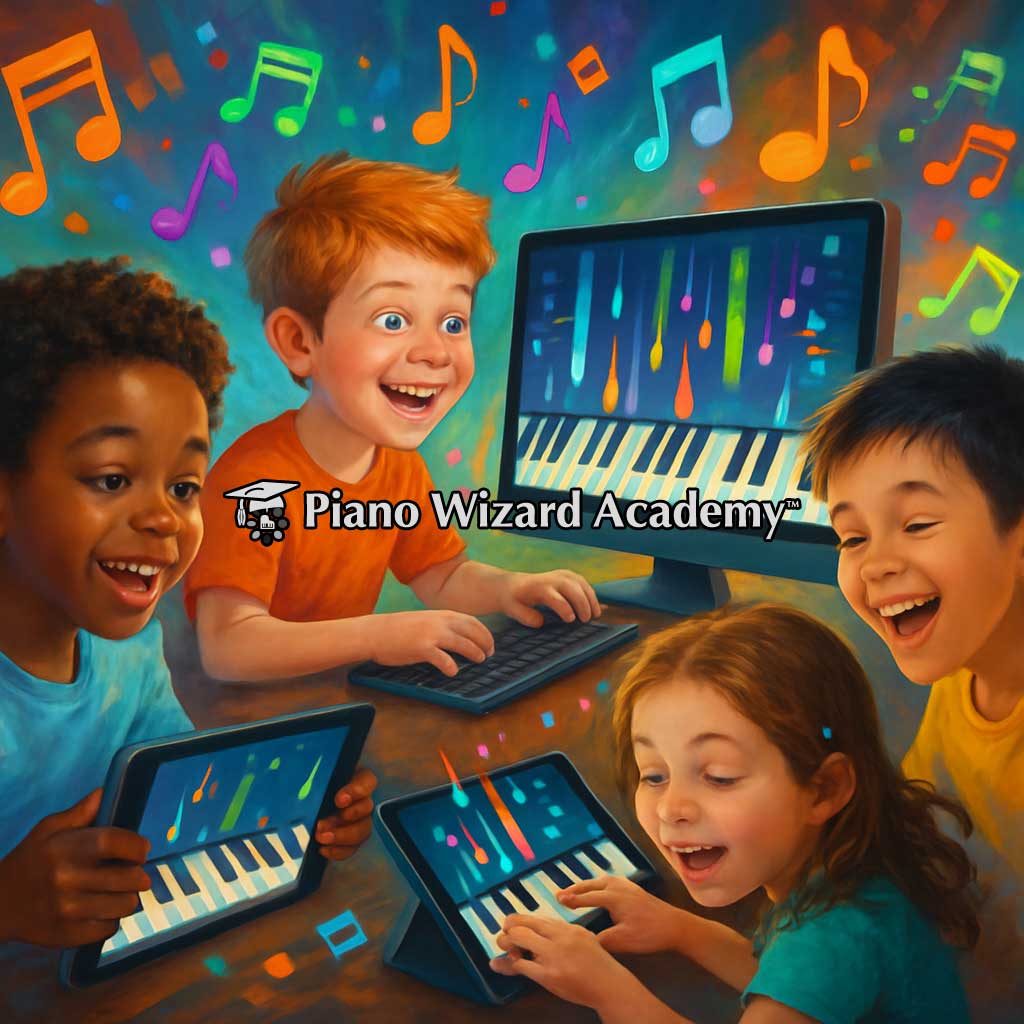
6. Games Should Teach Something
Game-based piano learning can be extremely effective at encouraging practice.
Games provide:
- Goals
- Challenges
- Immediate feedback
- Progress indicators
- A reason to repeat an activity
Repetition is essential when learning an instrument.
A good game makes repetition feel less repetitive.
But there is an important distinction between a piano game and a game that teaches piano.
The activity should reinforce real musical skills.
See how Piano Wizard approaches this idea in our piano keyboard game.
7. Look for Self-Paced Learning
One advantage of learning software is that nobody has to move on simply because the lesson period is over.
A student can repeat the same section as many times as necessary.
That can be particularly valuable for:
- Young beginners
- Independent learners
- Students who need additional repetition
- Busy families
- Adults learning around a work schedule
Being able to repeat a lesson without pressure can turn mistakes into part of the learning process instead of something embarrassing.
8. Consider the Student's Age
The best piano learning software for an adult may not be the best choice for a six-year-old.
Children often respond well to:
- Color
- Movement
- Games
- Short activities
- Visible progress
Adults may prefer:
- More direct instruction
- Song-based learning
- Flexible lesson pacing
- Less game-like presentation
The teaching method should fit the learner rather than expecting every learner to adapt to the same method.
9. Check Hardware Compatibility Before Buying
Do not assume every piano program works with every keyboard.
Before choosing software, check:
- Computer requirements
- Operating-system compatibility
- USB support
- MIDI support
- Keyboard requirements
- Internet requirements
If your goal is interactive learning, a digital piano or keyboard with MIDI connectivity can be especially useful.
If you're choosing a new digital piano or keyboard, Yamaha's digital keyboard buying guide is a useful reference for comparing keyboard size, touch response, connectivity, and other beginner-friendly features.
You can also read our guide to online piano lessons with a keyboard for more information about learning with a physical instrument.
Do You Need an 88-Key Piano?
No.
An 88-key digital piano provides the complete range of an acoustic piano, but beginners often start successfully with smaller keyboards.
Common sizes include:
- 49 keys
- 61 keys
- 76 keys
- 88 keys
A 61-key keyboard is often enough for beginner lessons and many early songs.
If the student plans to continue into more advanced classical repertoire, an 88-key instrument may eventually make sense.
Touchscreen Piano Apps vs. Real Keyboard Software
This distinction is important.
Some piano apps allow students to tap an image of a piano keyboard on a tablet or phone.
That can help introduce musical concepts, but tapping a screen is not the same physical experience as playing a keyboard.
Using a real instrument teaches the student about:
- Key spacing
- Finger movement
- Hand coordination
- Playing several notes together
- Moving across the keyboard
If the ultimate goal is to play piano, there is a strong argument for spending practice time on an actual keyboard.
Piano Learning Software vs. Online Video Lessons
| Piano Learning Software | Online Video Lessons |
|---|---|
| Can be interactive | Primarily watch and follow |
| May respond to keyboard input | Cannot usually detect what you play |
| Easy to repeat exercises | Easy to replay video sections |
| Can use games and progress systems | Usually follows instructor demonstrations |
| Often self-paced | Usually self-paced |
Neither approach is inherently better in every situation.
They can also complement one another.
Piano Software vs. Private Piano Lessons
Software does not have to replace a piano teacher.
The two can serve different purposes.
A teacher can observe posture, hand position, interpretation, and technique in ways that software may not.
Software offers other advantages:
- Practice whenever you want
- Repeat lessons without additional cost
- Learn at an individual pace
- Use visual and interactive tools
- Practice privately
Some students begin with software and later add a teacher. Others use both at the same time.
What About Piano Learning Software for Kids?
Children often need something that captures their attention before traditional practice habits have been established.
This is where games and interactive learning can be especially valuable.
But parents should look beyond whether the child enjoys the program.
Ask whether the child is developing:
- Keyboard familiarity
- Rhythm
- Finger coordination
- Listening skills
- Music-reading ability
For more detail, see our dedicated guide to piano learning software for kids.
How Piano Wizard Approaches Piano Learning Software
Piano Wizard takes an interactive, game-based approach to beginning piano.
The student uses a real MIDI-connected keyboard rather than simply tapping a touchscreen.
Early lessons use visual cues that help connect what the student sees with what they play on the instrument.
This combines:
- Visual learning
- Real keyboard play
- Immediate interaction
- Repetition
- Game-based motivation
The visual system is designed to progress toward traditional music notation rather than remain separate from it.
The objective is not simply to become good at Piano Wizard.
The objective is to become better at playing piano.
Questions to Ask Before Choosing Piano Learning Software
Before buying or subscribing to any program, ask these questions:
- Does it work with a real piano or keyboard?
- Does it respond to what I play?
- Is it appropriate for the student's age?
- Does it teach rhythm?
- Does it develop keyboard awareness?
- Does it eventually teach music notation?
- Can lessons be repeated easily?
- Will it work with the equipment I already own?
- Does the student spend more time playing than watching?
- Does it provide a clear path from beginner skills to actual music?
If a program checks most of those boxes, it is probably worth taking a closer look.
Frequently Asked Questions
What is the best piano learning software for beginners?
The best program for a beginner should make the first steps understandable, encourage regular playing, provide a clear progression, and help develop skills that transfer to a real piano.
Can piano software really teach you to play?
Piano software can provide structured lessons, repetition, visual guidance, and interactive practice. More advanced players may eventually benefit from additional instruction for technique and interpretation.
Is piano software good for children?
It can be, particularly when the program combines engaging activities with real musical development rather than entertainment alone.
Should piano learning software connect to a MIDI keyboard?
It is not required for every type of program, but MIDI connectivity allows compatible software to interact directly with what the student plays on a digital keyboard.
Is a piano app the same as piano learning software?
Not necessarily. Some apps are simple touchscreen games or video courses, while more interactive software may communicate directly with a real keyboard.
Do I need to know how to read music first?
No. Many beginner programs introduce playing before requiring full knowledge of traditional notation. A strong learning system should eventually help connect those early experiences with music reading.
Finding the Best Piano Learning Software for You
The best piano learning software is not necessarily the program with the most songs, the most animations, or the longest feature list.
It is the one that gets the student playing and keeps moving them toward real musical skills.
Look for software that encourages active participation, works with a real keyboard, provides useful feedback, allows self-paced practice, and builds a bridge toward reading and playing music independently.
Piano Wizard combines visual learning, interactive game play, and a real MIDI keyboard to help beginners start playing first and gradually develop the musical skills behind what they are doing.
Explore Piano Wizard Academy and see how game-based piano learning can turn practice into something students actually want to do.